



Skip to content

Independent project, with no link to Ankama.

Patch notes

What each version changed.

Latest version

Version 0.4.0

New

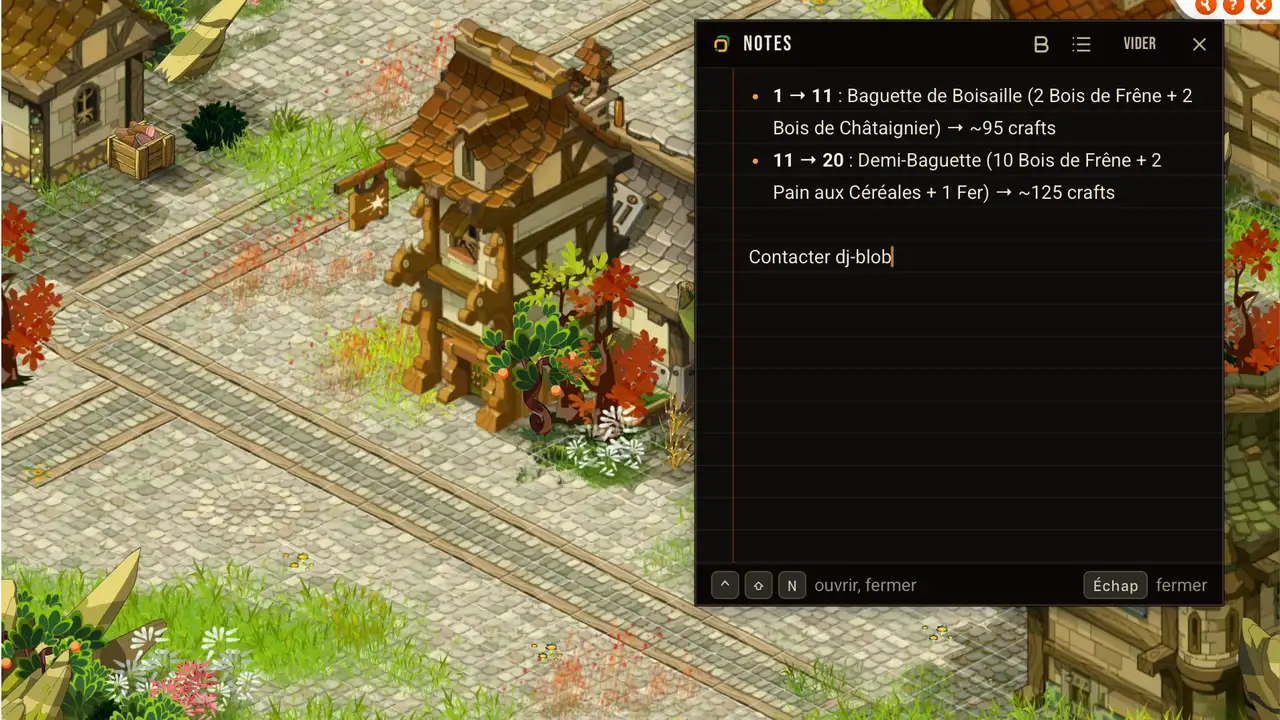
  • Notes: a small window over the game to keep a marketplace price, a recipe or the name you met earlier, shared by all your characters. It opens ready to type with Ctrl+Shift+N or from the icon menu, keeps bold and lists, and finds your text and its place again on the next launch. While you write, AutoFocus and your shortcuts switch characters without cutting your sentence.

Improved

  • Multifus no longer installs its updates itself. When a version is out, a banner takes you to the download page of the site, and your settings stay.
  • Quick texts are gone: Ankama sees automatic writing in the Dofus chat as a macro. Your sentences and their shortcuts are erased.
  • The icon menu now says “Turn private messages to phone on” and “Turn private messages to phone off”, instead of a “Stop getting them” nobody understood. The switch on the Private messages screen takes the same name.
  • The setup now describes Quick move as it works: one click per character, then the Dofus window of the next character comes forward.

Fixed

  • Notice strips covered the title of the home screen. They now sit at the very top of Multifus.
Version 0.3.0

New

  • An update that is ready shows in a strip at the top of Multifus, and first in the icon menu with an orange dot. Once it is installed, Multifus leads you to its patch notes.

Improved

  • Screens now show up at once when you pick a menu, with no entrance animation.
  • On the home screen, your characters’ heads no longer come and stand again every time you return, only when a new character arrives.
  • The setup fades its text in, without sliding it.

Fixed

  • Text in Multifus shifted by a pixel on its own on Windows, when you switched screens or hovered a button. It now stays put.

Version 0.2.0

Improved

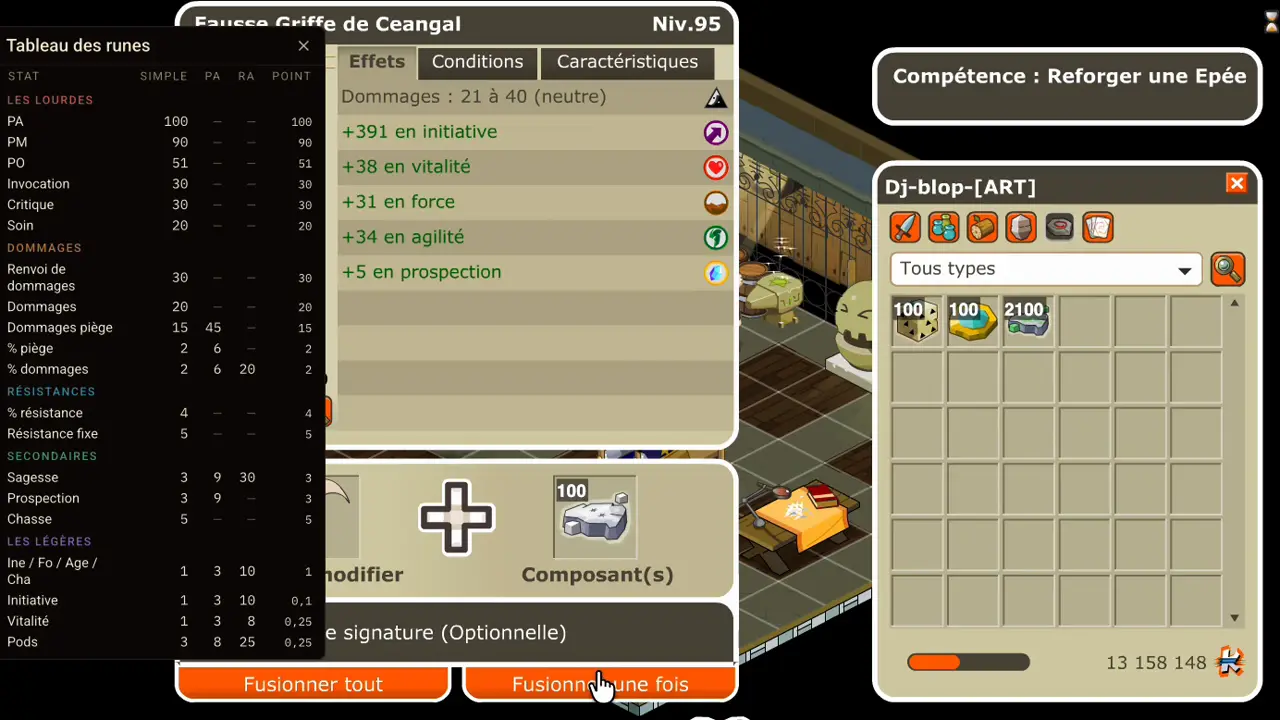
  • The rune table follows the Dofus window at 60 FPS as you drag it. Much smoother.
  • The icon menu greys out the buttons that do not work with no character online.
  • By default, the Quick move banner now sits in the top left corner of the screen.
  • “Is everything working?” is no longer in the icon menu or in the shortcuts. You find it in the Settings.
  • Multifus opens 1.5 times faster when you launch it. It now loads only the home screen before showing up.

Fixed

  • The rune table only showed while the Dofus window was in front. It now stays visible.
  • Closing Dofus also closes its rune table.
  • Fixed the starting position of the rune table, in the top right corner. It now opens in the middle of the Dofus window.
  • On Windows, the notifications step asked you to tick Multifus in a list where it never shows. It now points at the right switch.
  • The Multifus window could go full screen, where it has no business being. The button that maximizes it is now disabled.
  • Right-clicking in Multifus opened a web browser menu, and F5 reloaded the window. Neither does anything now.
  • At launch, Multifus flashed “Permission missing” on a screen with no scenery for a split second. It now opens straight on the right screen.

Version 0.1.0

The first version

  • Multifus brings the window of the character whose turn it is in front of you on Dofus Retro. Free, no account, no ads, and the code is public.
  • Mac and Windows on day one, in French, English and Spanish.
  • The next updates install from the application, in one click.

AutoFocus

  • The window of the character whose turn it is comes forward as the turn starts.
  • Trade, party, guild, private message, challenge, craft, Perceptor attacked: you choose the triggers.
  • A character sitting in the Dock or the taskbar comes back in front of you.

Character wheel

  • You hold a shortcut, the wheel opens in the middle of the screen, you aim at a head and you let go.

Quick move

  • You switch Quick move on, you click where you want to go, and the next character lands in front of you.

Rune table

  • The rune weight table lies over the game window, on the key you chose.

Private messages

  • Your Dofus Retro private messages reach your phone through Telegram, within the second. You also learn which character has just been disconnected.

Quick texts

  • You store a sentence under a key combination. In the game, you press it, and the sentence is written in your chat field.

Mac and Windows

  • On Mac, an application checked by Apple, with no right-click and no security setting to work around, on Intel and Apple Silicon Macs alike.
  • On Windows 10 and 11, every character takes its own taskbar button, with its nickname and its class head.

See also

Six mechanisms, one single install

AutoFocus, the wheel, quick move, the rune table, private messages and notes all arrive together.

Download