










Frequently asked questions
What people ask me before installing Multifus.
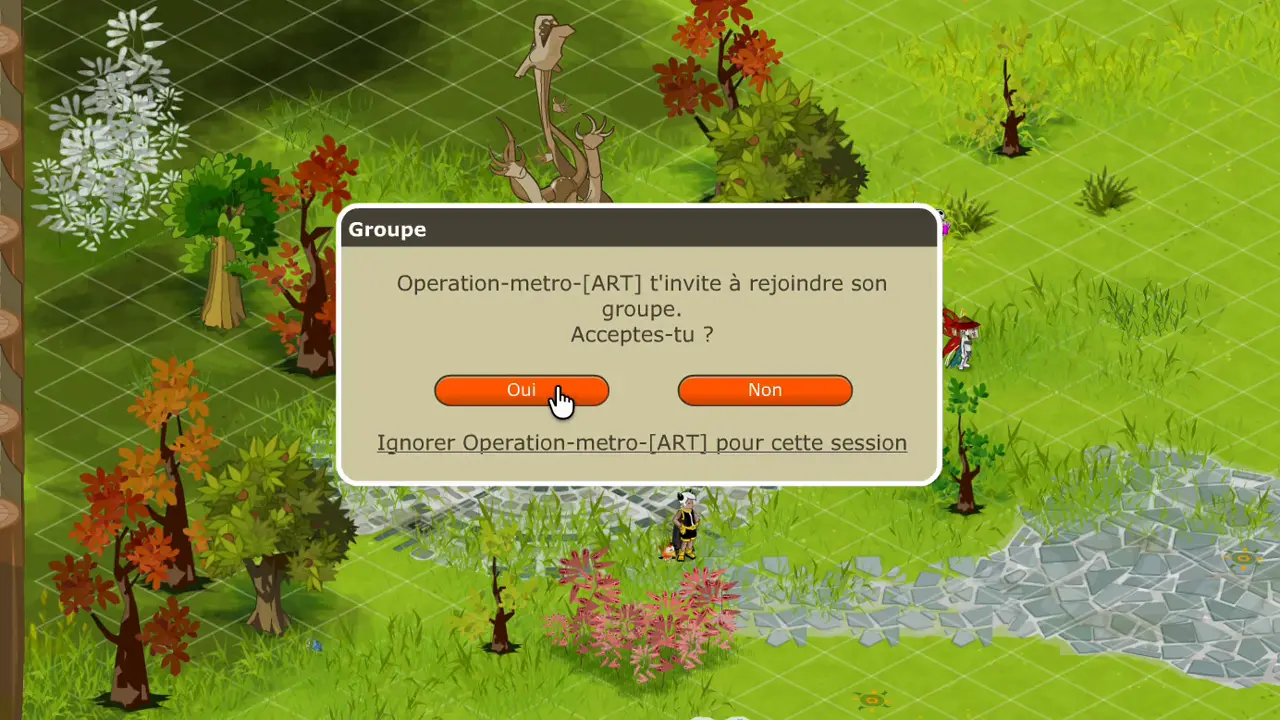
Multifus listens to the notifications Dofus Retro sends your computer: turn start, invitation, trade, private message, craft, tax collector attacked. Windows grants it that access, macOS goes through Accessibility.
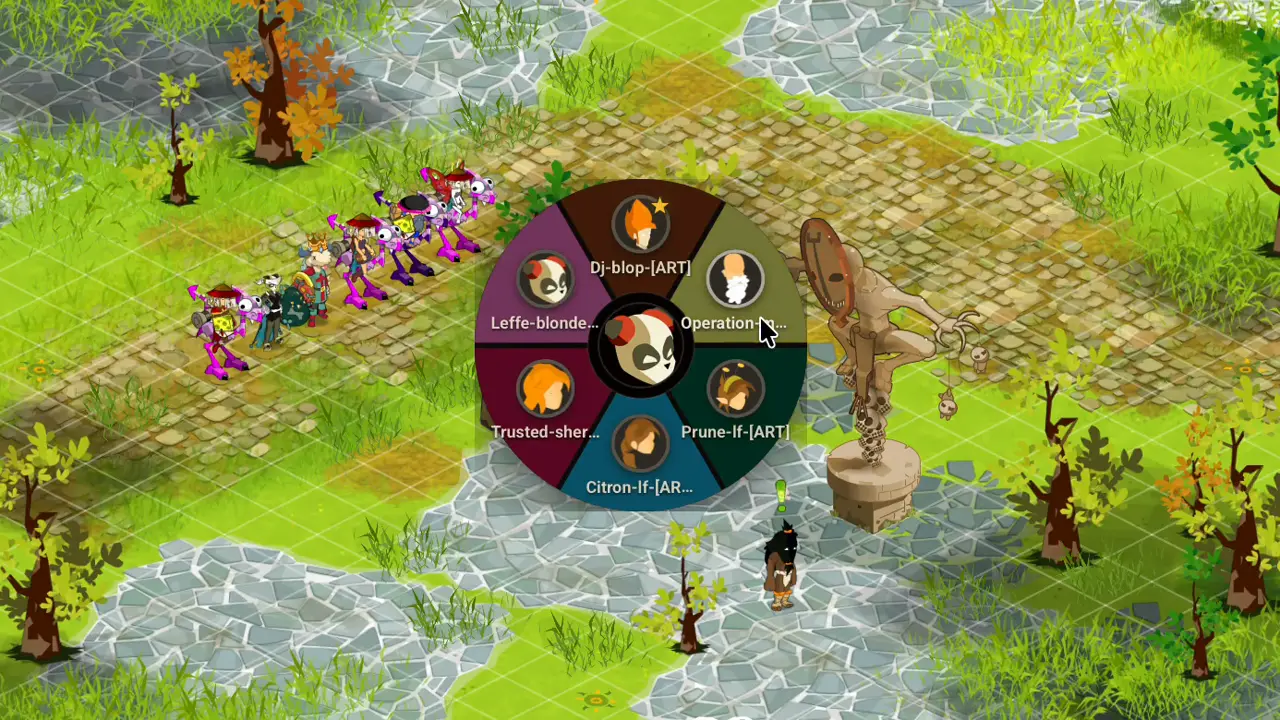
It reads the title of your Dofus Retro windows, where the game writes the character nickname. The Character wheel and Quick move see your click, and Quick texts paste the line into the window in front of you.
It opens no Dofus Retro file, and does not read its memory. The code is public (new tab), you can read it.
Multifus does not touch Dofus Retro. It reads nothing inside, it changes nothing inside, and it never plays for you.
Ankama tolerates this kind of software as long as it stays that way. It said so in a post from Dofus Retro (new tab) and in a thread on the official forum (new tab), both quoted on Ankama and Multifus.
On Mac, Apple checks the file before it opens, and no warning shows. On Windows, your computer may ask for confirmation: Multifus is still young, and Windows does not know it yet.
Either way, it creates no account and sends nothing off your computer. The only way out is Telegram, if you wire up Private messages yourself.
On Mac, macOS 13.3 or newer is needed, on Intel and Apple Silicon Macs alike.
On Windows, Windows 10 or newer is needed.
No. Multifus only knows Dofus Retro (new tab), every 1.x version: 1.29, 1.40, and the ones after.
Dofus 2 and Dofus 3 are not covered. They have neither the same windows nor the same notifications.
All six features are on both. Three things are missing on the Mac.
The Windows taskbar gives one button per character, with the nickname alone on it and the class portrait. The Mac has no such bar, so no such buttons.
On Windows, the F1 key alone calls a character. On Mac, a combination is needed, Ctrl+Shift+1 for instance.
On Windows, Multifus clears the notification once it has brought you to the character. On Mac, the banner stays until it goes away on its own.
The detail per system is on Multifus on Mac and Multifus on Windows.
No. Mac full screen gives the client a desktop of its own, and macOS lets nothing show on top of it.
As long as the client stays in full screen, the Character wheel, the Rune table and the Quick move banner do not show.
Leave full screen. In a maximised window, everything comes back.
As many as your PC opens. 4, 6, 8 Dofus Retro clients: Multifus handles them all the same.
Ankama puts no limit on how many clients are open, and neither does Multifus. The comparison says what the others do.
French, English, Spanish. It takes the one your computer uses, and you change it in the settings.
Me. No adverts, no account, no paid version. I pay for the hosting and the Apple certificate.
I sell nothing and I ask for nothing. If you like the project, a star on GitHub (new tab) is enough.
Your question is not here?
Write to me, I answer.
See also
Multifus installs on Mac and on Windows
One file per system, three steps to install, and you play multi-account the same evening.