










Multifus
on Windows
Dofus Retro multi-accounting on Windows, one button per character.
- Free
- No advertising
- Public source code
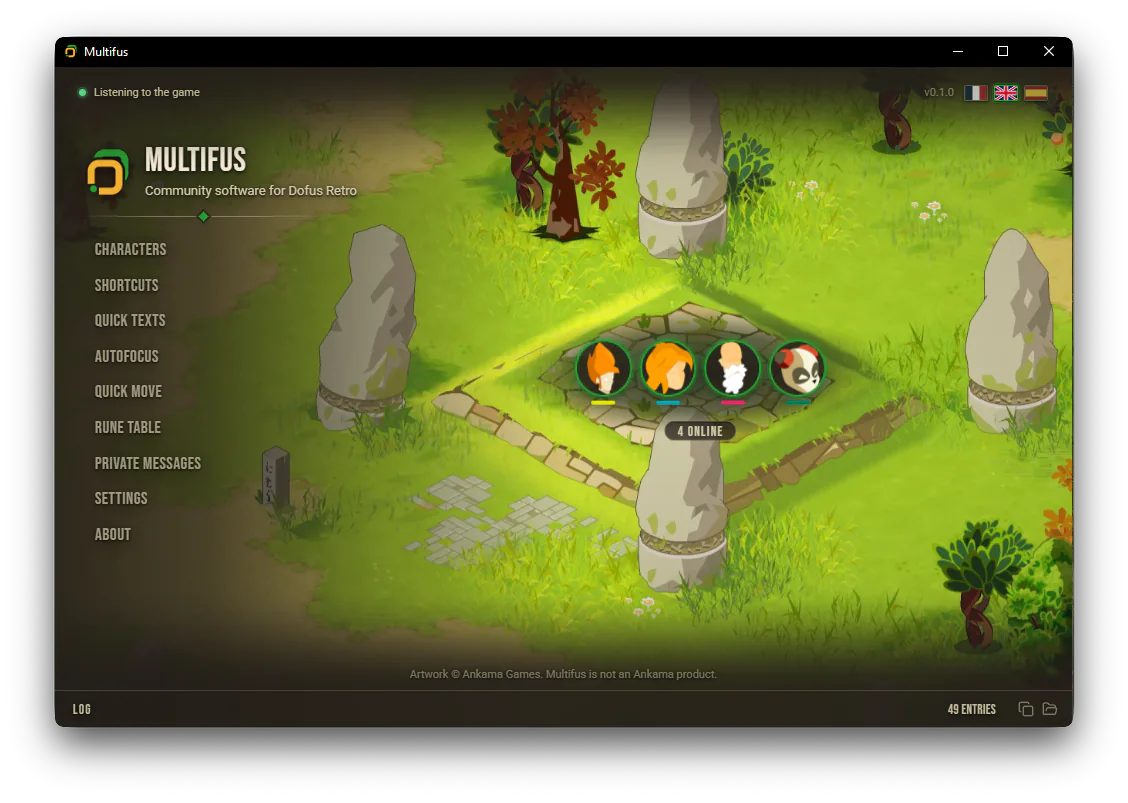
Available on Windows 10 and 11
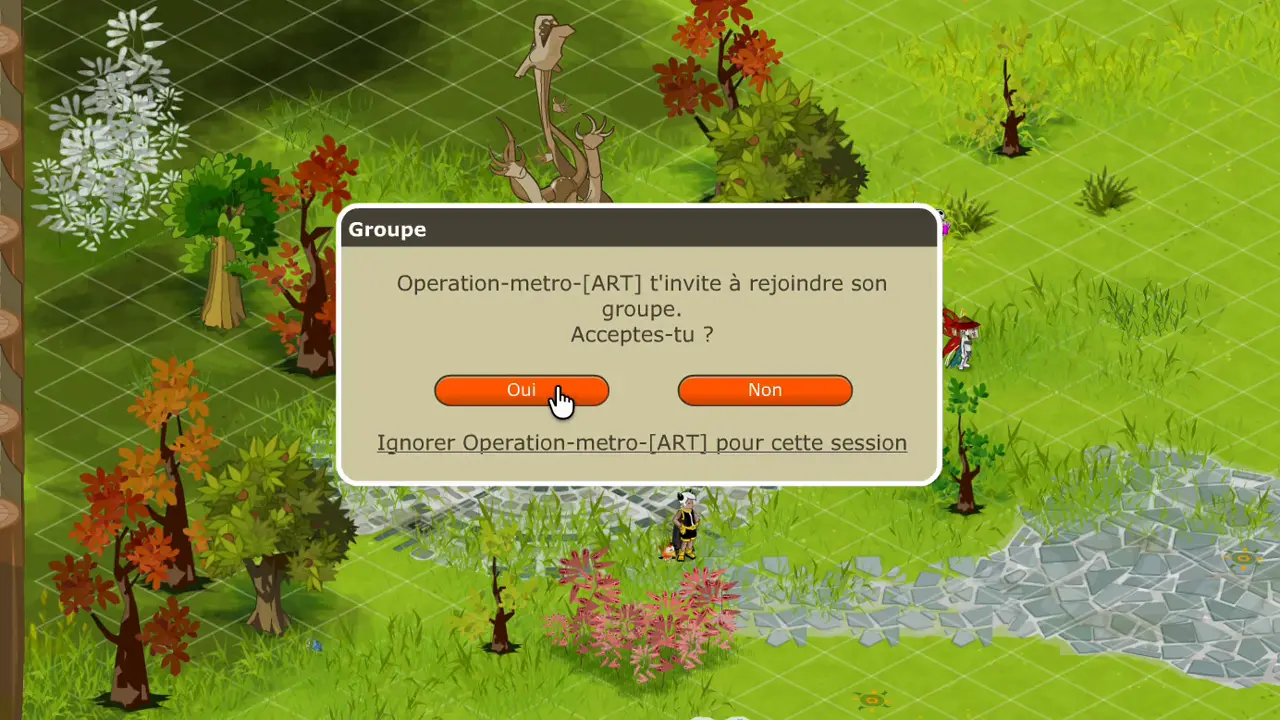
 AutoFocusThe playing character’s window comes forward.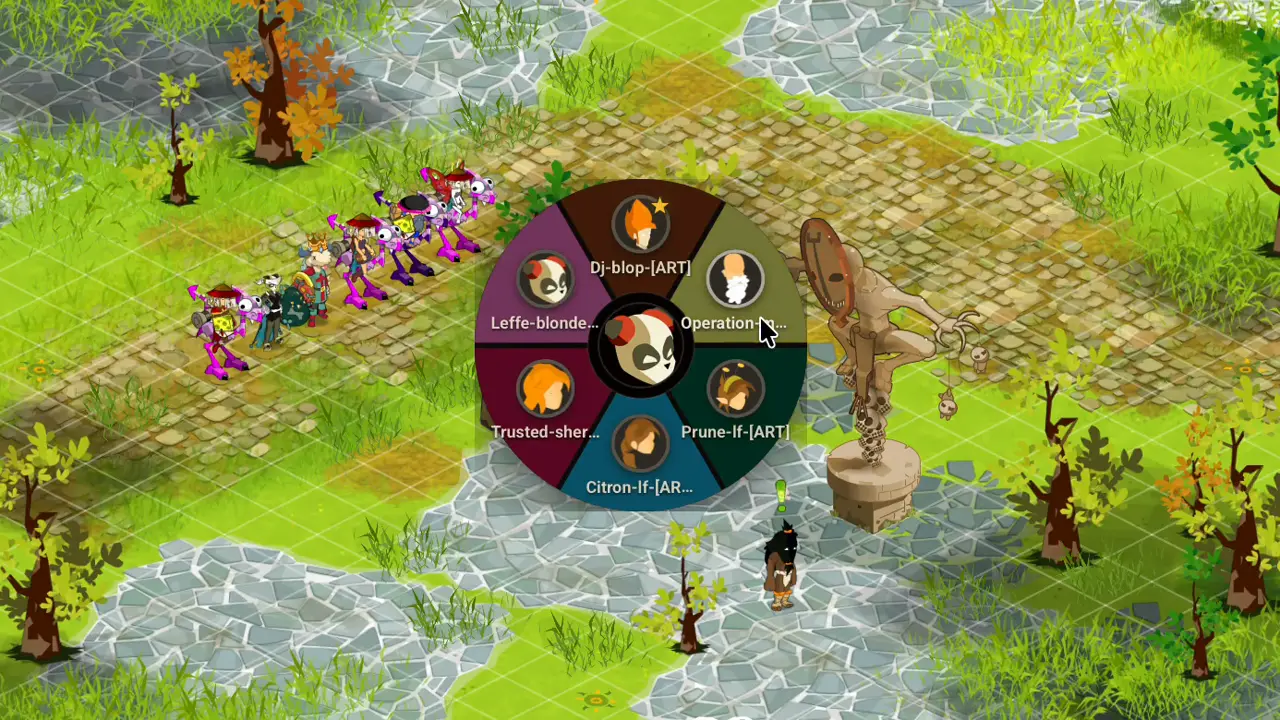
 Character wheelPick which character comes to the front.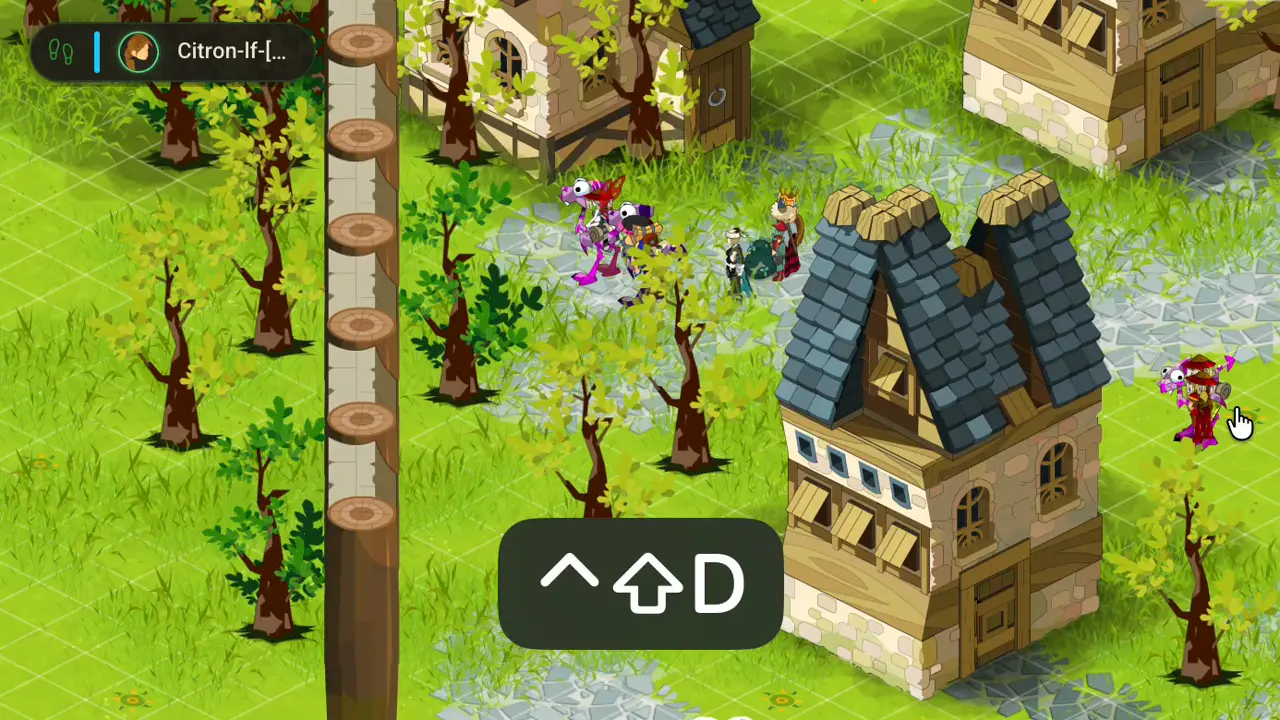
 Quick moveOne click per character, and the next one comes forward.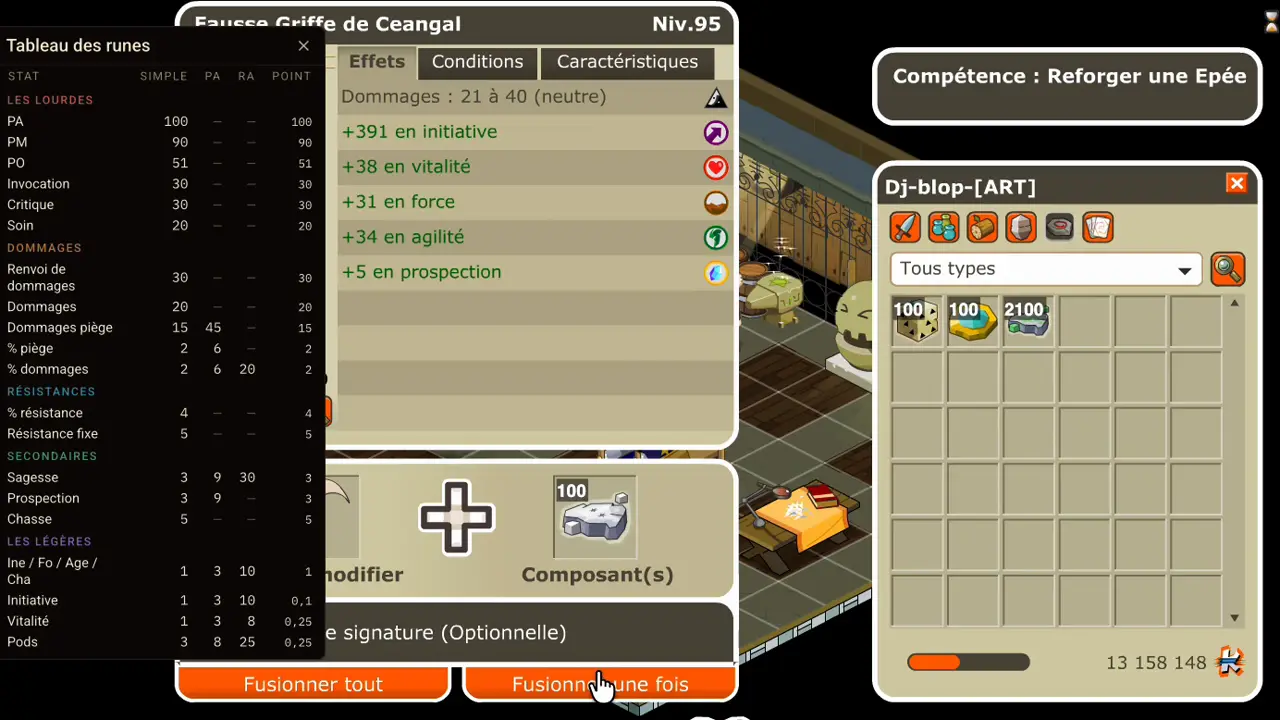
 Rune tableRune weights without leaving the game.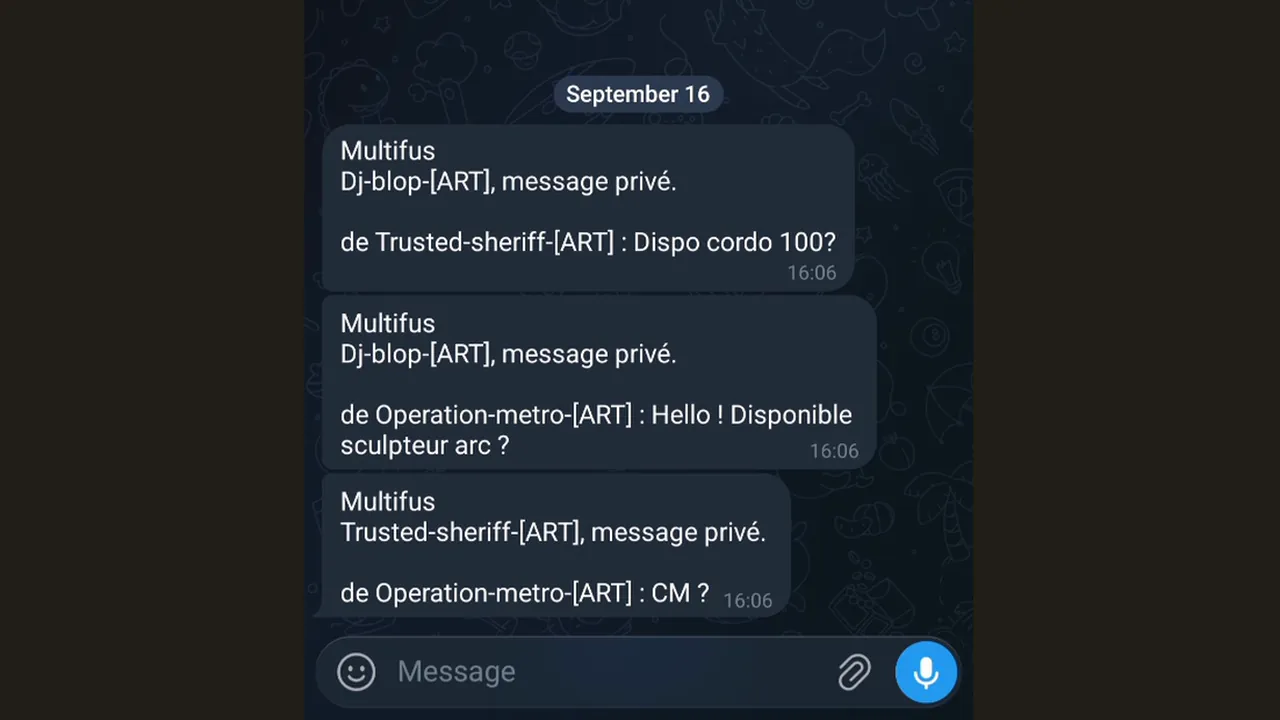
 Private messagesYour phone receives your private messages from the game.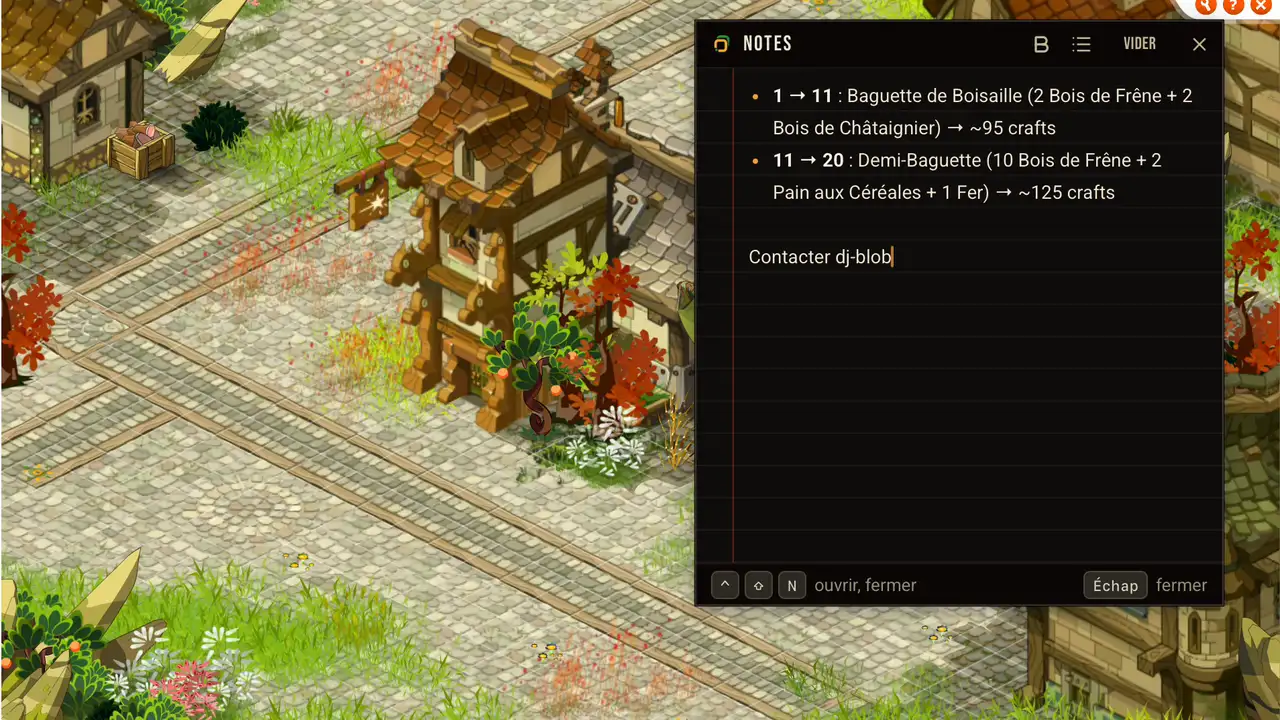
 NotesYour note stays above the game.
Your taskbar becomes your team
Your Dofus Retro clients all carry the same icon, and their title ends with “- Dofus Retro”, which cuts long nicknames. Multifus rewrites the title and the icon of every window, and you untick whatever you do not want.


- The iconWithout Multifus
the same icon for all your clientsWith Multifusthe class head of the character, in its colour - The nameWithout Multifus
the nickname, then “- Dofus Retro”With Multifusthe nickname, and nothing else
If your Windows sticks the windows of one game under a single button, Multifus gives each one its button back.
One key, one character
F1 on your first Enutrof, F2 on the second. On Windows a function key stands alone.
- GrimzoEnutrofF1
- PépiteEnutrofF2
- ElyandraCraF3
- SylveCraF4
The questions people ask
Yes. Click “More info”, then “Run anyway”.
Windows warns about any software it has not seen much of yet, and Multifus has just come out. The warning will go once enough people have downloaded it.
Multifus has no Windows certificate, which is paid for every year. Instead, every release carries a GitHub attestation (new tab) that says which code it was built from.
That is Smart App Control. On some Windows 11 PCs, it blocks any software without a certificate, and Multifus has none.
To play with Multifus, turn it off in Windows Security, under App & browser control. Left on, it would block it at every launch.
Install the Windows updates first: before the March 2026 one, turning it off could not be undone.
As many as your PC opens. 4, 6, 8 Dofus Retro clients: Multifus handles them all the same.
Ankama puts no limit on how many clients are open, and neither does Multifus. The comparison says what the others do.
Yes, and on Windows 10 too. Installing takes 3 moves.
No. Windows 10 or Windows 11 is needed.
Access to notifications, and nothing else.
And running at Windows startup, if you tick the box.
No. Multifus only knows Dofus Retro (new tab), every 1.x version: 1.29, 1.40, and the ones after.
Dofus 2 and Dofus 3 are not covered. They have neither the same windows nor the same notifications.
Yes. Ankama tolerates software that arranges the game windows, as long as it touches nothing inside. Multifus stays within that.
Multifus does not read the game’s memory, does not touch any of its files, and does not play for you on any character.
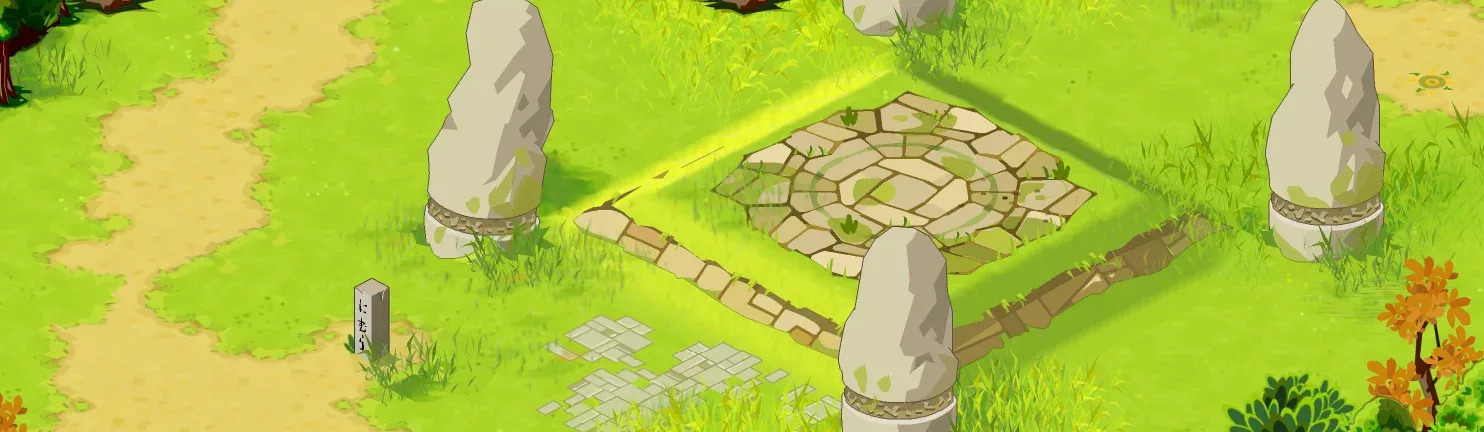
Six mechanisms, one single install
AutoFocus, the wheel, quick move, the rune table, private messages and notes all arrive together.