











Comparison
Multifus and the other managers, line by line.
Every mark is read in the tool’s code, never on its home page. A tool that keeps its code closed gets no column here. And Multifus loses two rows, because a comparison you win everywhere is worth nothing.
| What the tool does | Multifus | Dracoon (new tab) | Focus Retro (new tab) | Dosoft (new tab) | Retro Toolbox (new tab) | ROrganizer (new tab) |
|---|---|---|---|---|---|---|
| On Mac | On Mac, the tool calls itself beta. | |||||
| On Windows | ||||||
| One key per character | ||||||
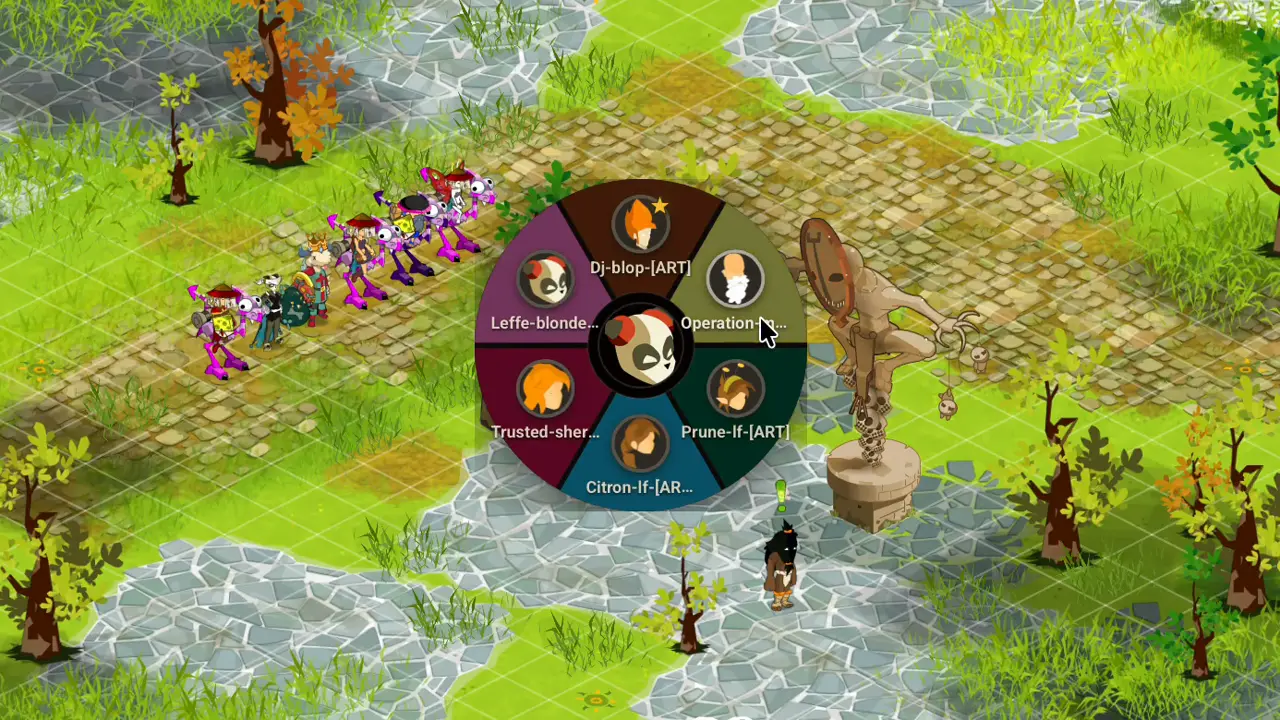
| Character wheel | ||||||
| Quick move | ||||||
| AutoFocus | A challenge and an attacked perceptor leave it asleep. | |||||
| Rune table | In a window of its own, not over the game. | |||||
| Private messages | ||||||
| Notes | In a window of its own, not over the game. | |||||
| Windows laid side by side | Multifus maximizes clients as they open, it never lays them side by side. | |||||
| Several saved character orders | AutoFocus brings the right character forward on its own: the order only serves the cycle. | Two fixed teams, T1 and T2: they filter the cycle, they save no order. | ||||
| French, English, Spanish | French, English and Portuguese, but no Spanish. | |||||
| Signed package | Signed and checked by Apple on Mac. On Windows, only the GitHub attestation is there. | Not signed, but the GitHub attestation is there. | ||||
| Published code | Code published, with no open-source licence. | Code published, with no open-source licence. |
Surveyed on September 21, 2026, in each tool’s own code.
Check this table yourself
- Every column leads to its repository. That is where its marks were read, and you can read the same code we did.
A mark that looks wrong to you gets fixed here: The Multifus repository on GitHub (new tab)
See also


Ankama tolerates what Multifus does
No game file is read, and no action is played in your place.