














Multifus
on Mac
Dofus Retro multi-accounting on Mac, in an app Apple has checked.
- Free
- No advertising
- Public source code
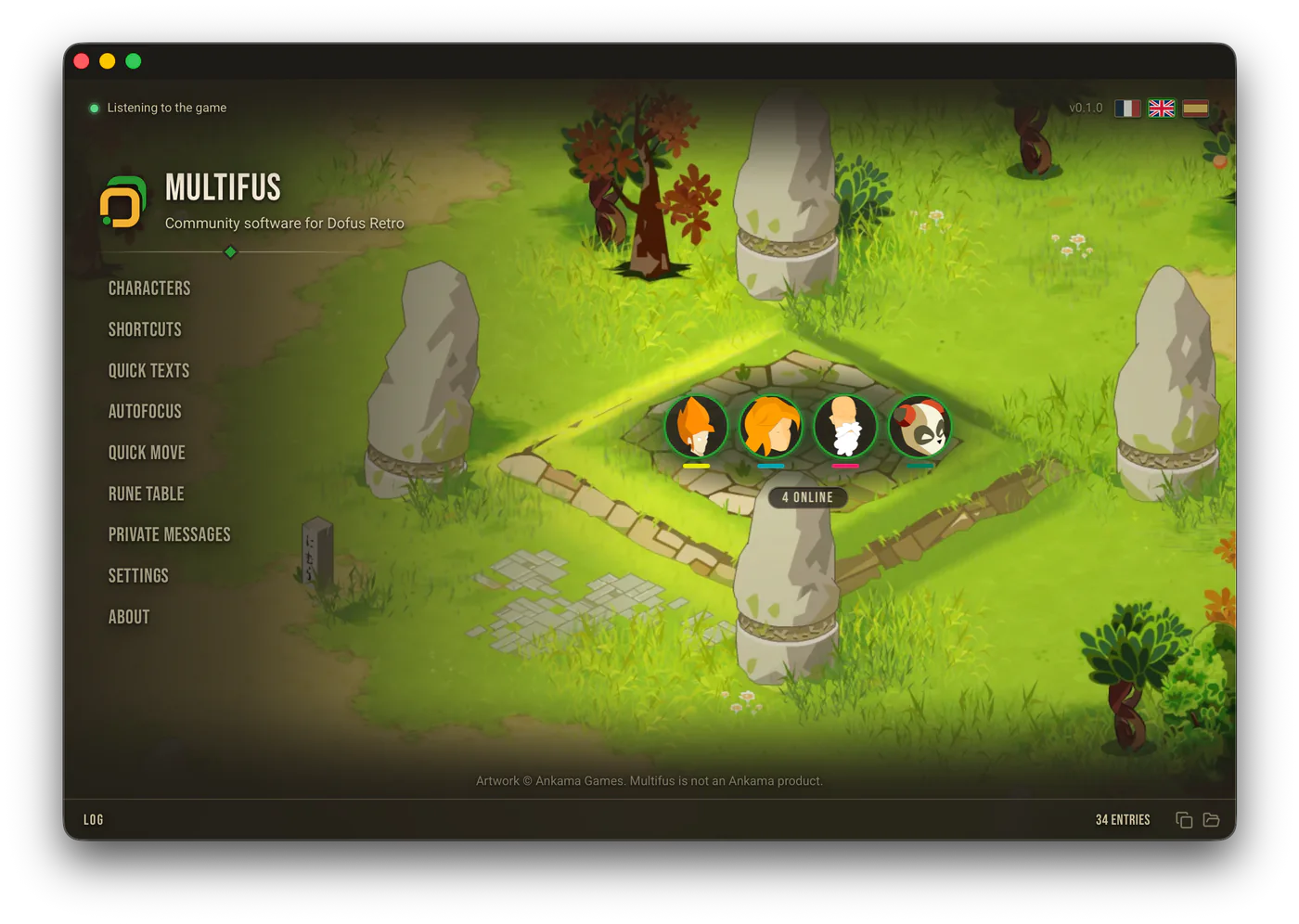
Almost every manager for Dofus Retro stops at Windows. Multifus was born on Mac, and the Windows version comes from there.
A double-click, then “Open”
macOS asks you to confirm and says no malicious software was found. No right-click, no security setting to work around.Apple checked the file
Apple charges for that check every year, and few free apps pay for it.Nothing is missing on Mac
All six features from the menu are there, with none missing.Your shortcuts speak Mac
Command and Option show up the way your keyboard writes them, not Ctrl and Alt.
The questions people ask
macOS 13.3 or newer is needed. Intel Macs and Apple Silicon Macs get the same file.
To read your version: Apple menu, then About This Mac.
No. macOS 13.3 or newer is needed.
Access to Accessibility, and nothing else. That is what lets it see and sort the game windows.
Without it, Multifus sees nothing and can do nothing.
And running at Mac startup, if you tick the box.
Partly. Mac full screen gives the client a desktop of its own, and only Notes show on top of it.
As long as the client stays in full screen, the Character wheel, the Rune table and the Quick move banner do not show.
Leave full screen. In a maximised window, everything comes back.
See also


Ankama tolerates what Multifus does
No game file is read, and no action is played in your place.